
Only you see in the dark.
TigerVault is a private vault for your photos, videos and files, opened by drawing a pattern on a 5×5 dot grid.

TigerVault
Draw your pattern
No account.
No email.
No one else.
Draw to open.
In TigerVault, your pattern is the key. Try one: drag through four or more dots.
- Passport scan.pdf1.2 MB
- Lease agreement.pdf840 KB
- Medical records.pdf2.6 MB
Same phone. Two different worlds.
What you see
Photos






What everyone else sees
Even the icon keeps a secret.
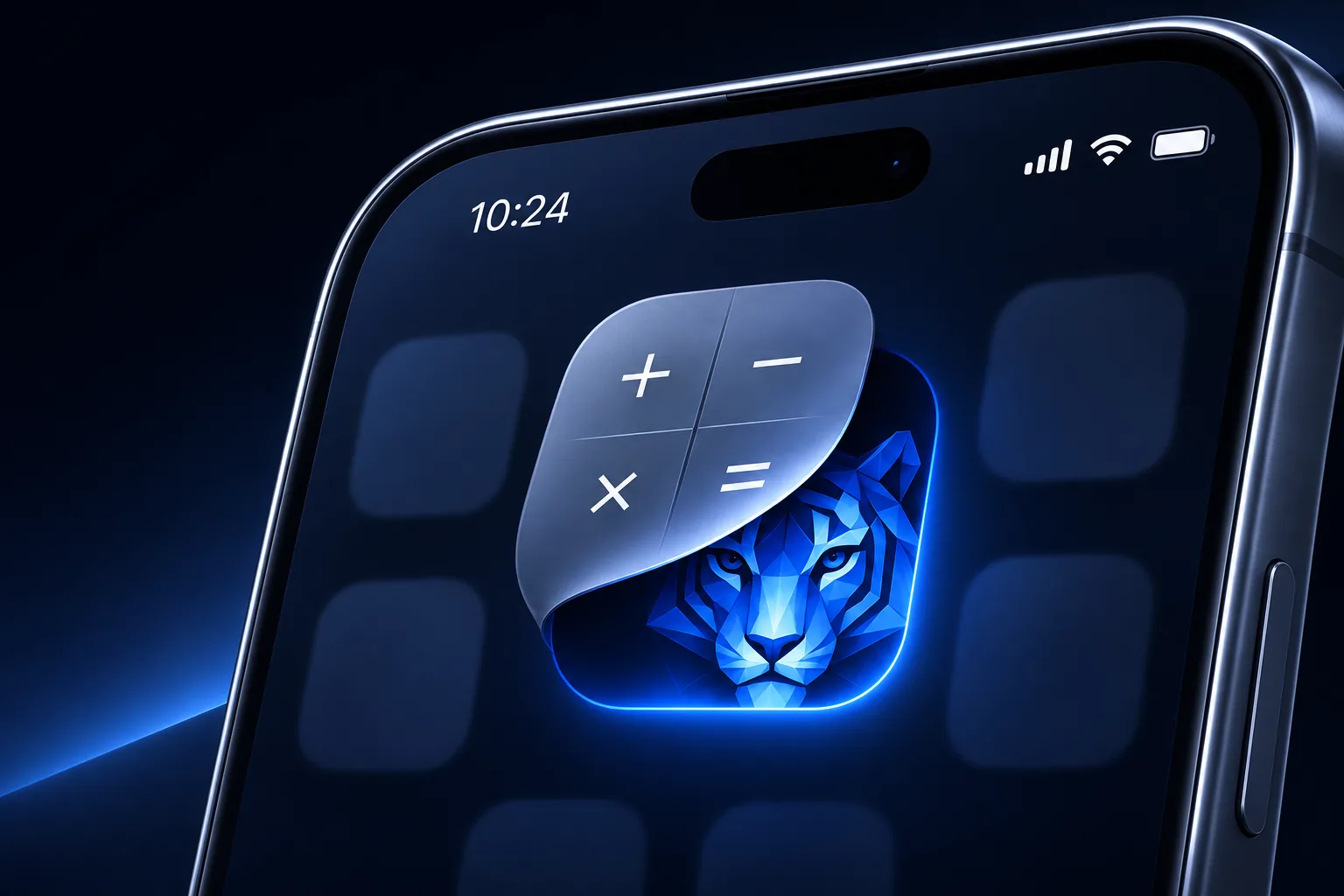
One pattern for you. Another for anyone who insists.
TigerVault
Draw your pattern
TigerVault
Draw your pattern
 RecipesPastaChicken soupBanana bread



- No account
- Encrypted on device
- Backups only you can read
Questions, answered.
What is TigerVault?
TigerVault is a free private vault app for Android, iPhone and iPad. It keeps your photos, videos and files in an encrypted vault on your phone, and you open the vault by drawing a pattern on a 5×5 grid of dots. There is no account and no sign-up.
How does TigerVault keep my photos private?
Every photo, video and file is encrypted with AES-256-GCM on your device before it is saved, along with its thumbnail, name and folder. The key comes from your pattern, stretched with Argon2id so that guessing patterns is slow and costly. Your pattern itself is never stored.
Can anyone else see my files, including the developer?
No. TigerVault has no servers and no accounts, and the app contains no analytics, ads or tracking. Your files never reach us, and the keys that open your vault exist only on your device.
What happens if I forget my pattern?
Every vault gets nine recovery words when you create it. The words open the vault and let you set a new pattern. Without the pattern or the words nobody can open the vault, not even us, so keep the words somewhere safe.
Does TigerVault back up my vault?
Yes, if you want it to, and the backup is encrypted. On Android you can back up a vault to a hidden app folder in your own Google Drive and restore it on a new phone with your nine words. On iPhone and iPad, vaults back up to your own private iCloud and stay in sync between your devices. Files are encrypted before upload, so Google and Apple store only unreadable data.
Can I have more than one vault?
Yes. Each pattern opens its own vault, and the lock screen never lists your vaults, so nobody can tell how many you have.
What is the duress pattern?
On Android, you can give a decoy vault of harmless photos and files a duress pattern. If someone forces you to open TigerVault, draw the duress pattern: it opens the decoy and permanently erases every other vault on the phone. A vault you backed up to Google Drive can be restored later with its recovery words.
Can I hide the TigerVault app icon?
On Android, yes. You can swap the TigerVault icon for a Calculator, Notes, Clock or Weather icon, so the vault does not stand out on your home screen.
Is TigerVault free?
Yes. TigerVault is free on Google Play and the App Store. On Android, the free version holds up to 100 photos and 10 videos per vault.
Which phones does TigerVault work on?
Android phones running Android 9 or later, and iPhone and iPad running iOS or iPadOS 17 or later.
More detail in the privacy policy, or write to hsyvy7@gmail.com.